

![Bigfilms CROWDS Doomsday Pack [NEW] 📢❗🚨🆕](https://www.godownloads.org/wp-content/plugins/pt-content-views-pro/public/assets/images/lazy_image.png)

Cool

Udemy – Blender and Substance Painter – Game Asset Creation Free Download
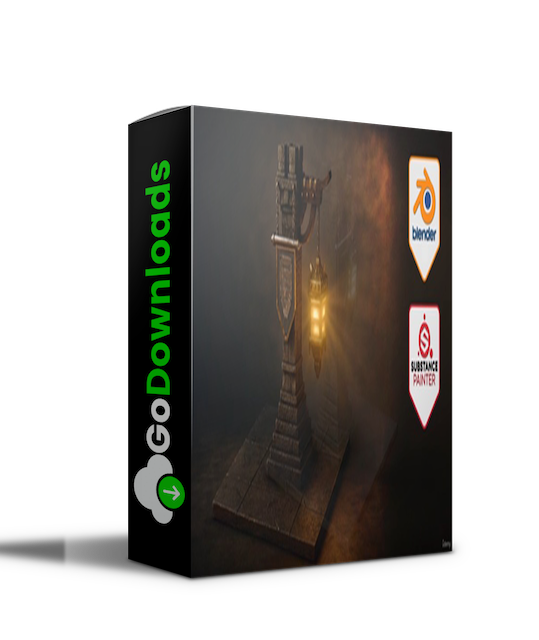
What you’ll learn
● Blender Basics: Navigating the Viewport – Master the essential techniques to efficiently move around Blender’s viewport.
● Reference-Based Modelling – Learn to use PureRef, Google, AI, and Pinterest for gathering references and creating stunning models.
● Model hard-surface props efficiently using bevels, mirrors, arrays, and clean modifier stacks.
● Convert a working stack to a stable static mesh; fix shading issues before export.
● Unwrap with consistent texel density; pack islands to minimise distortion and maximise bake quality.
● Bake AO, curvature, and normal maps in Substance 3D Painter and use them to drive wear, dust, and colour variation.
● Build reusable smart materials for metal, wood, stone, and glass; layer hand-paint accents.
● Animate a smooth arc-shot loop that highlights form and emission without blowing out texture detail.
Stop losing hours to messy bakes and muddy renders—build a stylized lantern with clean UVs, smart materials, and a cinematic arc-shot that actually sells your work.
I am Neil from 3D Tudor. Together with Luke, we guide you through a complete Blender → Substance 3D Painter → Blender pipeline: hard-surface modeling, disciplined UVs, robust baking, reusable Painter materials, then lighting, compositing, and an elegant arc-shot for your portfolio.
You will need Blender 4+ and Substance 3D Painter. If you can move, select, and navigate in Blender, you are set—everything else we will cover step by step.
You will also get curated references, a matching render-backdrop texture, and an optional helper to speed up compositing inside Blender.
Here is what I have not talked about yet, but it quietly separates “nice prop” from “hire this artist now.” We will build a tiny art-direction playbook around the lantern: what story it tells, how that story informs edge softness, surface contrast, and where the viewer’s eye lands first. I will show you a quick way to pick three visual pillars (shape language, material read, and focal glow) and test every decision against them.
It sounds fancy, but it is just a ruthless way to avoid muddy, indecisive work.
What You Will Learn
● Blockout-to-bevel strategy, tidy stacks, and static-mesh cleanup for export.
● UV packing for consistent texel density and painless Painter bakes.
● Curvature/AO-driven wear, layered grunge control, and hand-painted accents.
● Reconstructing Blender shaders, HDRI plus motivated fills, compositor bloom/mist/contact pop.
● Camera arc-shot loop for clean presentation across ArtStation, Sketchfab, and reels.
We will also look at naming, versioning, and export discipline—the boring bits that keep you fast. You will leave with a consistent file structure, suffix rules for mesh and texture variants, and a simple “one-click” export preset that keeps scale and orientation bullet-proof between Blender and Substance 3D Painter. When a client asks for a tweak two weeks later, you will know exactly where to touch the pipeline without knocking everything over like Jenga.
Presentation matters, so we will build a thumbnail on purpose, not by accident. You will learn how focal length, camera height, and a single motivated rim light can make the silhouette read on a tiny screen.
Inside the Class Files
References, a tuned backdrop texture, and an optional helper for faster stage and pass setup (a manual path is shown).
Create your own stylized lantern: model → UV → bake → texture → render a short arc-shot loop. Use the included references, backdrop texture, and the optional helper for the compositor and stage. A manual setup path is shown if you prefer.
You will build a repeatable loop—decide, test, evaluate—that turns “I hope this works” into “I know why this works.” It is not magic. It is just good craft, done deliberately.

Udemy – Blender and Substance Painter – Game Asset Creation.part1.rar – 2.0 GB
Udemy – Blender and Substance Painter – Game Asset Creation.part2.rar – 2.0 GB
Udemy – Blender and Substance Painter – Game Asset Creation.part3.rar – 2.0 GB
Udemy – Blender and Substance Painter – Game Asset Creation.part4.rar – 1.2 GB
Fill your request here and our team will try to post this material on the site


Cool

Nice

need these presets

That's amazing!
