



Really useful website with a great collection of graphics and creative resources.

Schoolism – Digital Painting Free Download
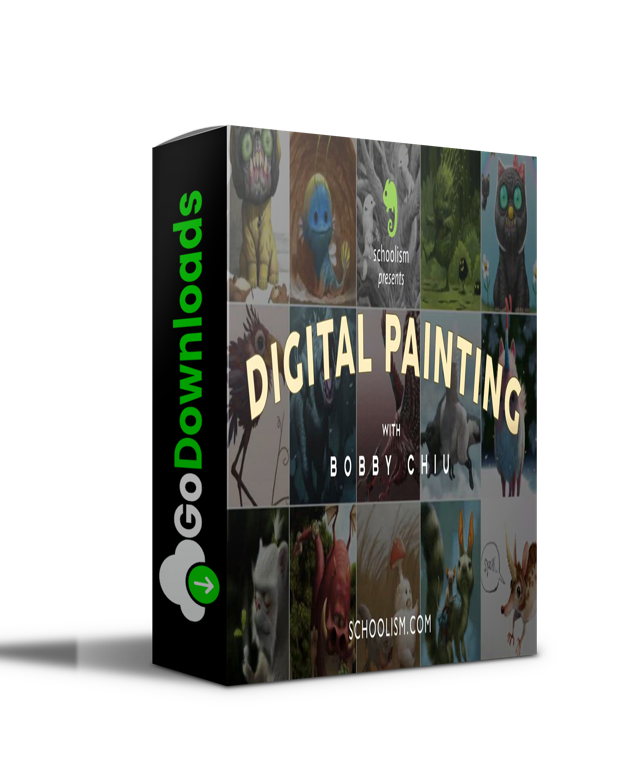
Prepare to look at digital art in a whole new light by learning from award-winning digital artist Bobby Chiu! Over nine lessons, Bobby will teach you how he uses Photoshop and reveal his techniques for producing digital paintings and conceptual art by applying traditional art skills in the virtual environment of Adobe Photoshop. Be prepared to immerse yourself in practical assignments that will build your digital painting skills from the ground up. No prior Adobe Photoshop knowledge necessary. This course is for ANY SKILL LEVEL. Especially beginners. And for the professionals… don’t be fooled! This course has something for artists of all skill levels, and there is a lot that any artist will be able to take away from this course. If you’ve ever wanted to know how Bobby Chiu uses Photoshop for digital painting, this is the course for you!
Lesson Plan
Lesson 1:
Basics and Brush Exercises
I will begin by familiarizing you with the first set of Photoshop tools that we will be using for this lesson. The first technique you will learn is the special way I use my brush as you paint a grey scale and other painting exercises with me. For the artists in the ‘Critiqued Sessions’, you’ll also have an opportunity to submit some of your art for me to look at and discuss.
Lesson 2:
Painting Objects
This lesson covers more essential Photoshop functions and how to use them. We’ll be doing some harder painting exercises and you’ll also learn effective ways to use adjustment layers as we paint 3 objects together. For the artists in the ‘Critiqued Sessions’, you’ll also have an opportunity to submit some of your art for me to look at and discuss..
Lesson 3:
Portraits and Adjustment Layers
This is where we start ramping things up. In this lesson, we’ll be tackling one of the hardest subjects: a portrait. We’ll start off with a painting in progress to get everyone comfortable, but don’t get too relaxed because you’ll have to do the portrait from scratch when you do the homework.
Lesson 4:
Colorizing
This lesson covers effective ways to color an image from black and white by applying the most effective blend modes for colorizing. You will learn to adjust hue, saturation, and color, all while painting a creature.
Lesson 5:
Painting Workout
This lesson might be the hardest, yet most rewarding of them all. Part of learning how to paint is also about knowing how to study properly. In this lesson, I go over HOW I study a subject to get the most knowledge out of the experience as possible. You’ll be asked to paint 7 paintings in this lesson, however, each painting should only take 1 hour and I will be painting the 7 paintings along with you. It’ll be like having me as your own personal trainer while doing the painting workout together.
Lesson 6:
Sketch Language
When recording thoughts, descriptions, and ideas, we need a language to do that. For writing, we must first learn a language, and before that, we have to learn the alphabet. For drawing and painting, it’s very much the same thing. We need to be able to ‘read’ our sketch and understand exactly what it means. In this lesson, I teach my ‘sketch language’ as I bring you through the first example, and later, I’ll explain every mark in a quick sketch of a boy and a microphone. Afterwards, you can also watch me paint an additional 3 subjects as I do the homework with you.
Lesson 7:
Speed Painting
In most engines there are different gears for different speeds. It’s the same for painting. Your brain thinks differently when you’re speed painting compared to painting when you have more time. In this lesson, we do both! I take you through the differences in my thought process while I analyze and paint a room with you at normal speed, and then paint it again in only 20 minutes! You’ll learn that what you decide to leave out becomes just as important as what you leave in.
Lesson 8:
Textures
In this lesson, I will teach you how to use naturalistic textures to create “traditional looking” images. You will learn how to manipulate textures which you can then use to create illustrations. All this and more as we now use a grey CG model that I have supplied for you to paint on top of.
Lesson 9:
Understanding Color and Flying Hippos
In this final lesson, I will discuss color with you while using some examples from some of my favorite paintings. You will also learn how to paint a photo-real creature flying through the air! I will do every step with you, starting from a line drawing provided. There will also be a white porcelain version for beginners to use so no one will fall behind.
 Schoolism – Digital Painting with Bobby Chiu (2020).part1.rar – 3.0 GB
Schoolism – Digital Painting with Bobby Chiu (2020).part2.rar – 3.0 GB
Schoolism – Digital Painting with Bobby Chiu (2020).part3.rar – 3.0 GB
Schoolism – Digital Painting with Bobby Chiu (2020).part4.rar – 1.5 GB
Schoolism – Digital Painting with Bobby Chiu.rar – 2.0 GB

Fill your request here and our team will try to post this material on the site

Really useful website with a great collection of graphics and creative resources.

I really like the variety of graphics available here. Excellent work.

I like this

This is a fantastic resource for creative professionals. Thank you!