



Great resource for designers. Highly recommended!

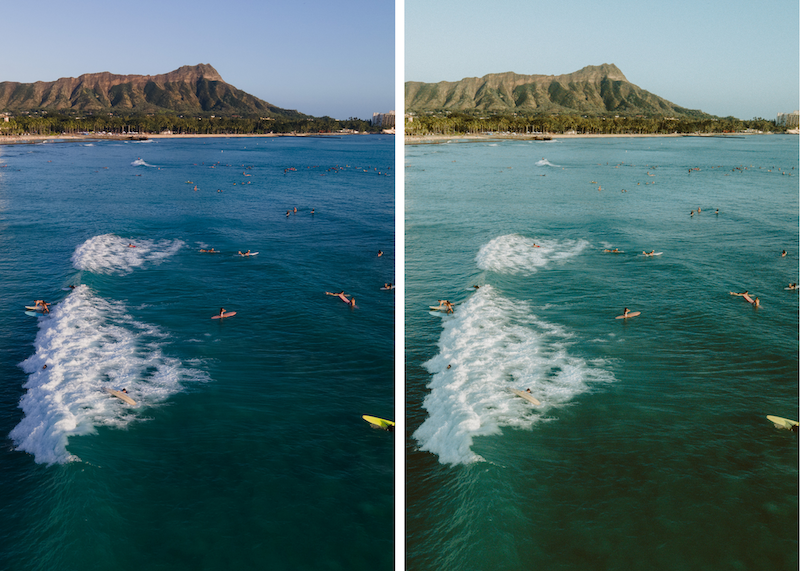
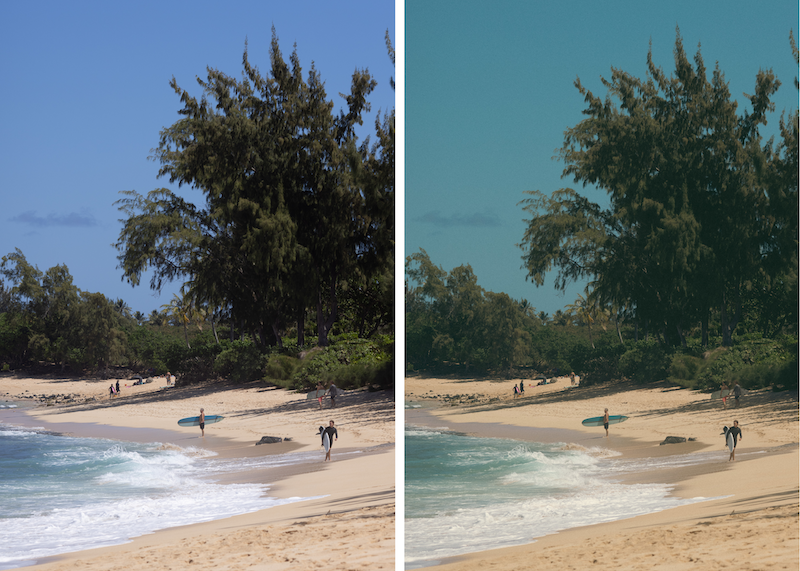
Carssun – Island Collection Lightroom Preset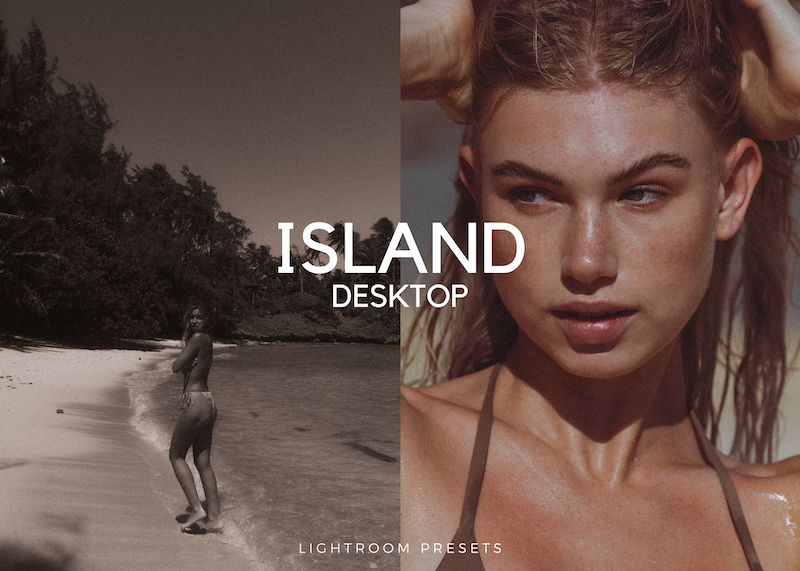
ISLAND 01
ISLAND 02
ISLAND 03
ISLAND 04
ISLAND 05
ISLAND 06
ISLAND 07
ISLAND SEPIA
ISLAND SUNSET
B&W ISLAND
B&W WARM
HOW TO INSTALL ON LIGHTROOM DESKTOP:
Make sure to download Adobe Lightroom CLASSIC. This is preferred version. Sign up for a subscription (monthly payments) if you haven’t already.
Please keep in mind that these presets might not achieve the exact look you’re going for immediately. Additional adjustments may be needed. After applying preset— try adjusting brightness, contrast, saturation, etc. I personally adjust my photos after applying a base preset because I shoot different types of lighting.

Fill your request here and our team will try to post this material on the site

Great resource for designers. Highly recommended!

Awesome work! 🔥

Amazing gift

Thank you so much fot this
