


Really useful website with a great collection of graphics and creative resources.

ToneLab Chroma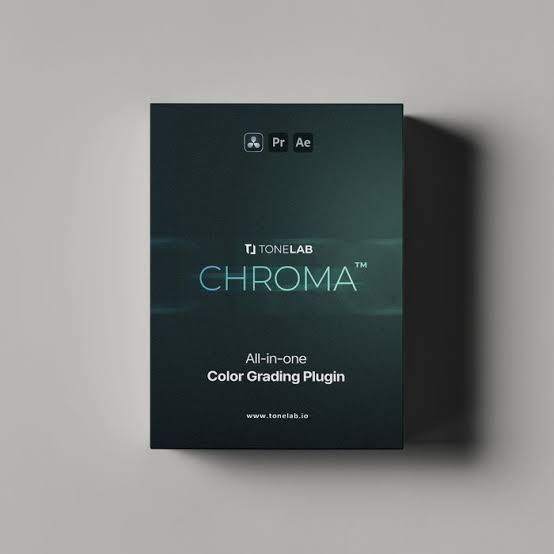
Stop wasting hours grading your footage. Tonelab does it in seconds.
Tonelab Chroma™ is a one-click color grading solution for DaVinci, Premiere & After Effects. Join 6,000+ users worldwide and change the way you color grade.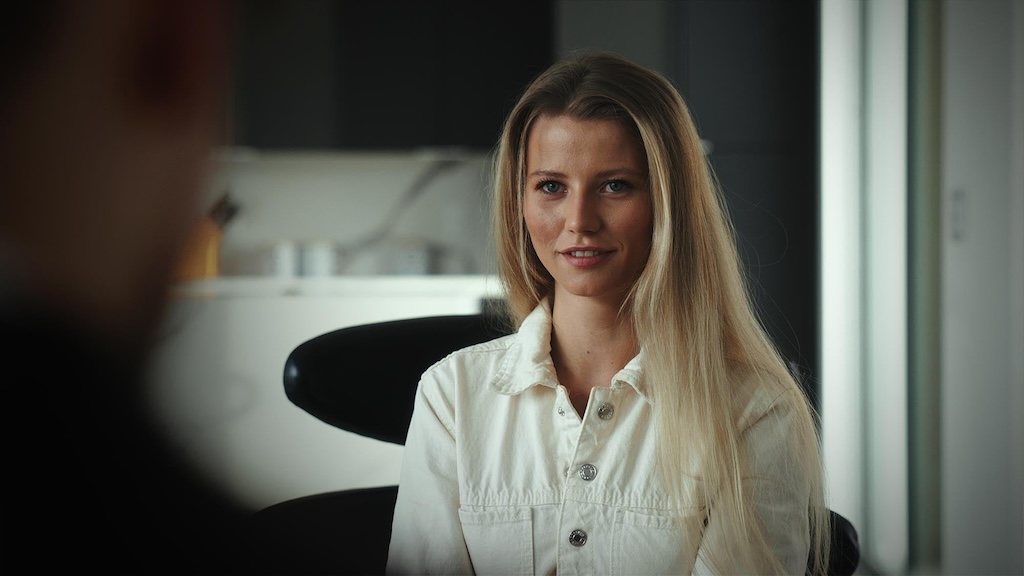

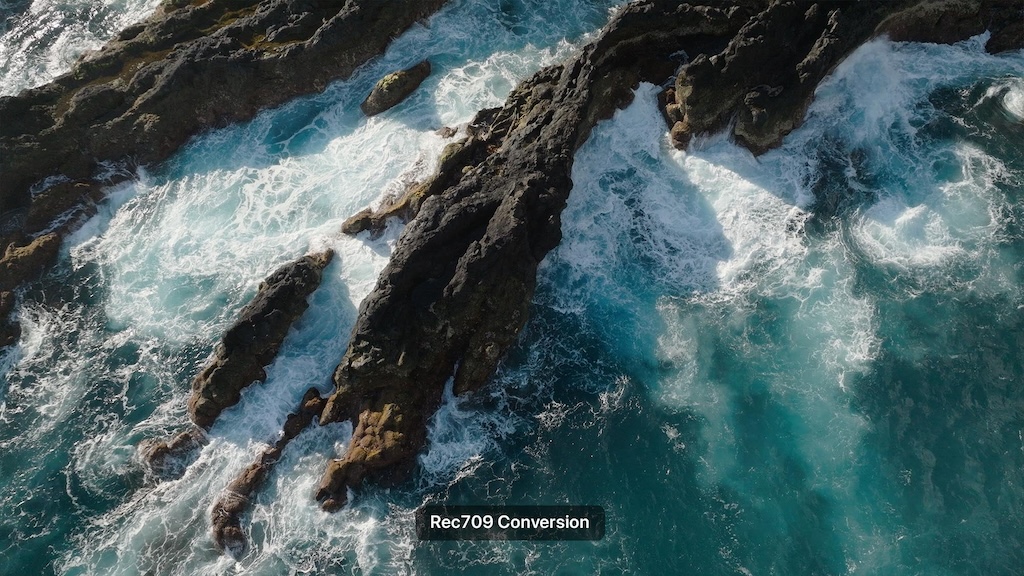
Why this plugin pays for itself:
Grading a single project by hand can eat up 1-2 full days. Chroma™ gets you there in 1-2 hours. That’s not a minor time save, that’s your entire investment back in half a day of work, on just one job. Every project after that? Pure time back in your pocket.
Take instant command of your image with the Basic Adjustments panel. Easily correct temperature or under or over-exposure with quick sliders for brightness, fade, color richness and much more. Shape your look directly inside the plugin, saving you from cluttering your timeline with extra layers or jumping between menus.
Easily crush milky blacks for a rich, deep look or dial back harsh highlights to retain critical details. The built-in Color Mode selector allows you to control exactly how these exposure adjustments interact with the colors in your image.
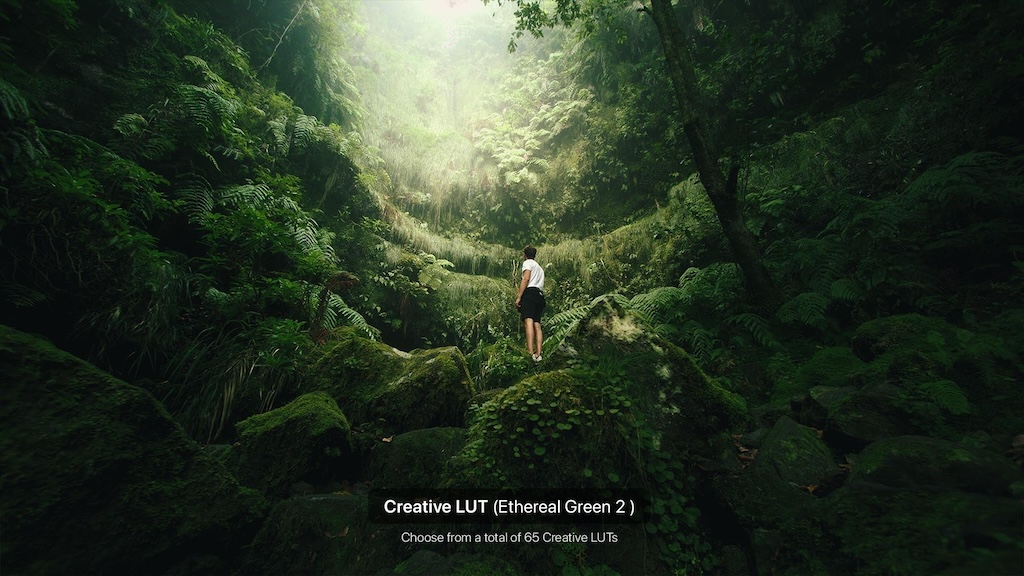
The Custom LUT section lets you integrate your own .cube LUTs directly into the single-panel ecosystem. Quickly browse through them using the native Prev/Next LUT button.
This is where the real magic happens that will distinguish you from the rest. Give your project that high-end Hollywood polish effortlessly. The Finishing Tones module features 13 premium finishing profiles meticulously engineered to tie your base grade together, beautifully balancing your highlights, midtones, and shadows into a unified, cinematic look.
The Split Tone module pushes distinct, stylized colors into your highlights and shadows without ruining your image. Use our presets or fine-tune the tones yourself.
Perfecting skin tones normally requires complex keys, qualifiers, or tedious manual masking. The Skin Tones module handles the heavy lifting automatically inside one clean block. Start editing faster with Skin Preset options that give you perfect results in one click.
The Color Punch panel lets you enrich or tone down specific colors in your video instantly. Jumpstart your look with 7 ready-to-use presets, or easily boost and isolate individual colors without affecting the rest of your image.
Draw instant focus to your subject. Effortlessly shape natural lens falloff using fully customizable aspect ratios, seamless feathering, and re-positionable X/Y center controls.
This isn’t a static overlay. Our grain engine evaluates every pixel individually to place structure where real film naturally reacts. With 8 instant presets and pinpoint controls across all tonal ranges, you can dial in hyper-realistic analog texture in seconds.
Emulate organic film layer light bleeding in seconds with 4 instant presets and deep control over glow color, spread, and threshold. Transform harsh digital highlights into soft, warm optical bloom by dialing in custom smoothness, inner glow, and overall intensity with surgical precision.
Homepage:-https://tonelab.io/

Fill your request here and our team will try to post this material on the site

Really useful website with a great collection of graphics and creative resources.

I really like the variety of graphics available here. Excellent work.

I like this

This is a fantastic resource for creative professionals. Thank you!